LinkedIn post screenshot

 LinkedIn post screenshot
Screenshot a LinkedIn post from its link
Paste the link to a public LinkedIn post and get a clean image of that post: the author, the text and the photo, on a background you pick. No cropping the feed out of a device screenshot.
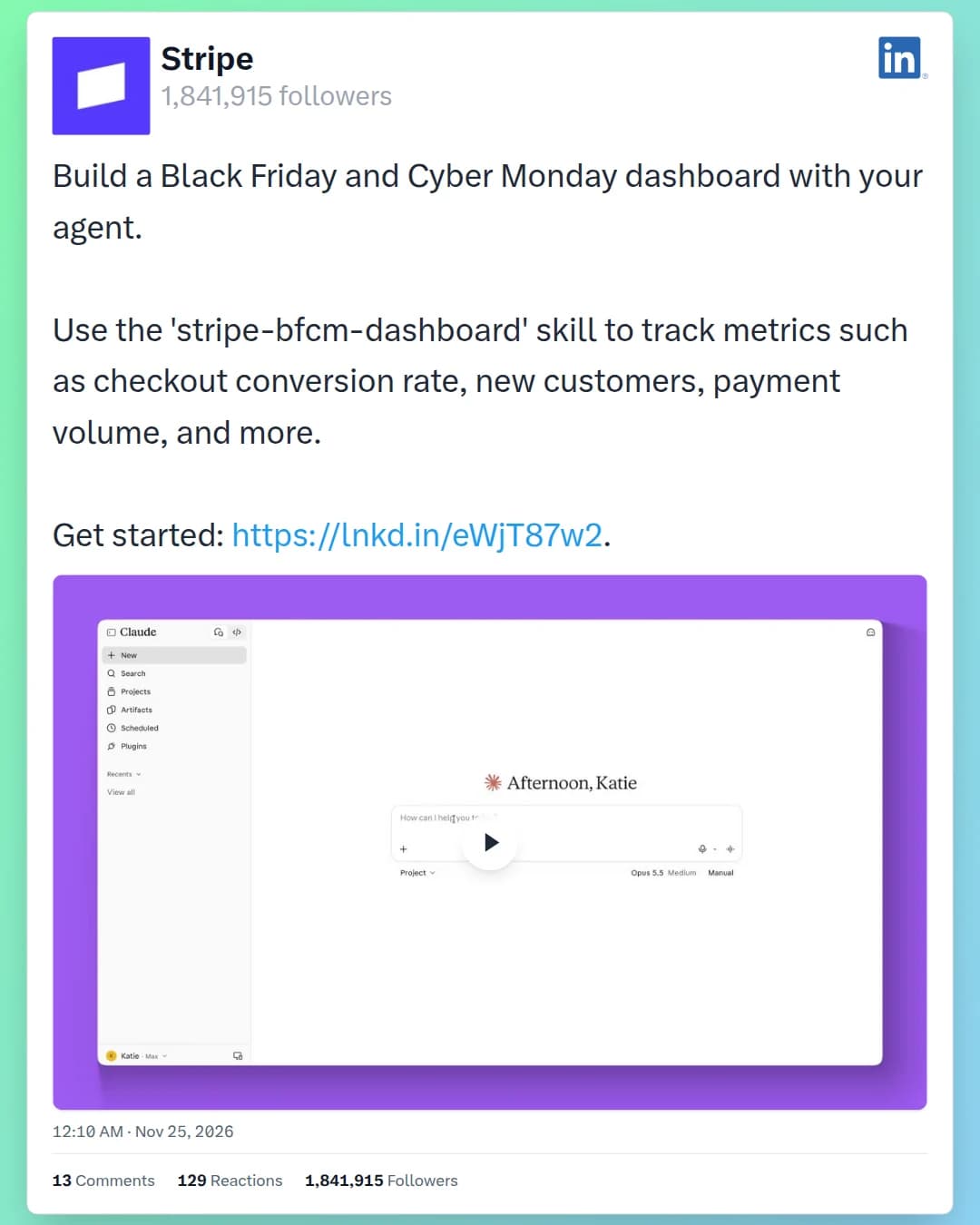
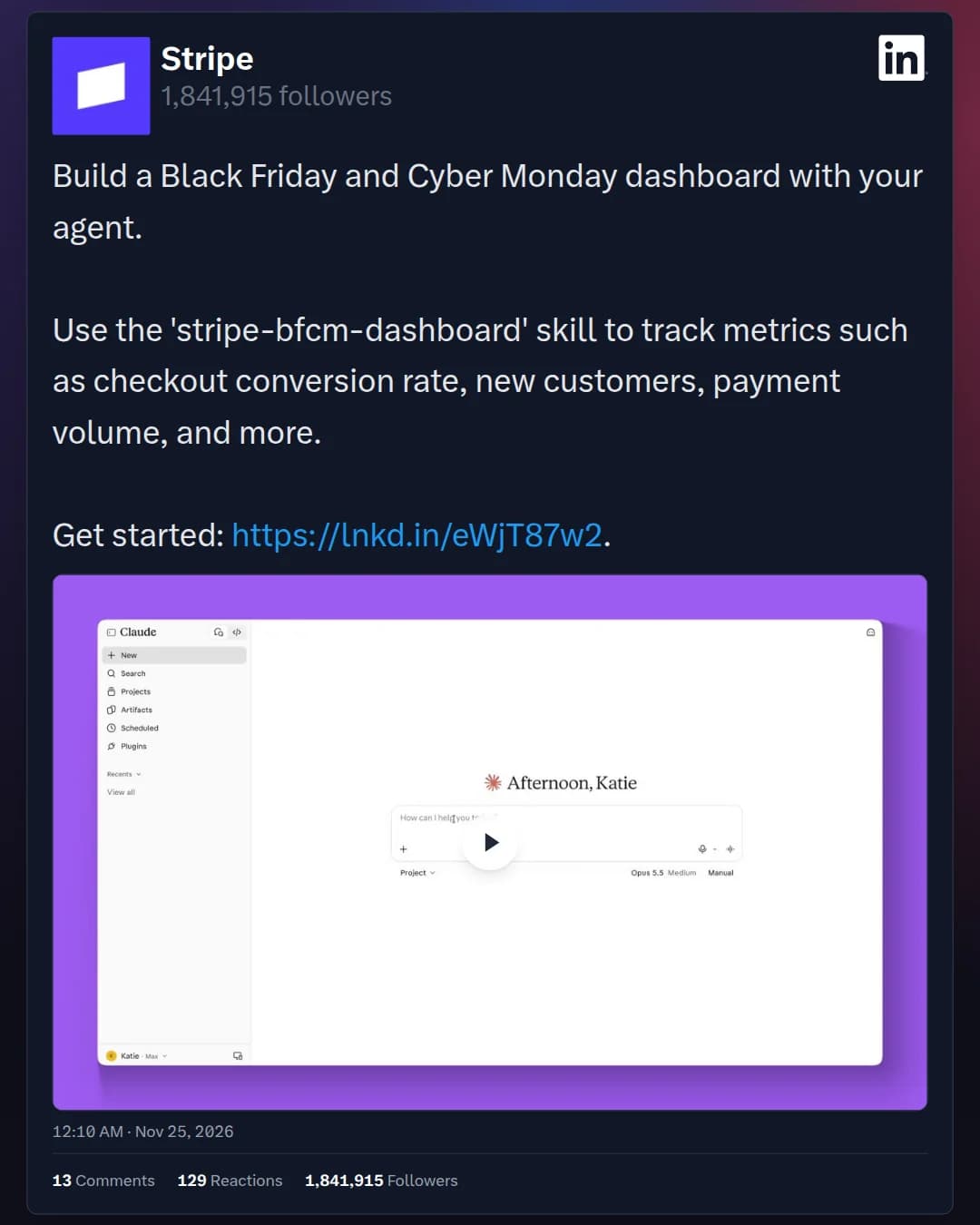
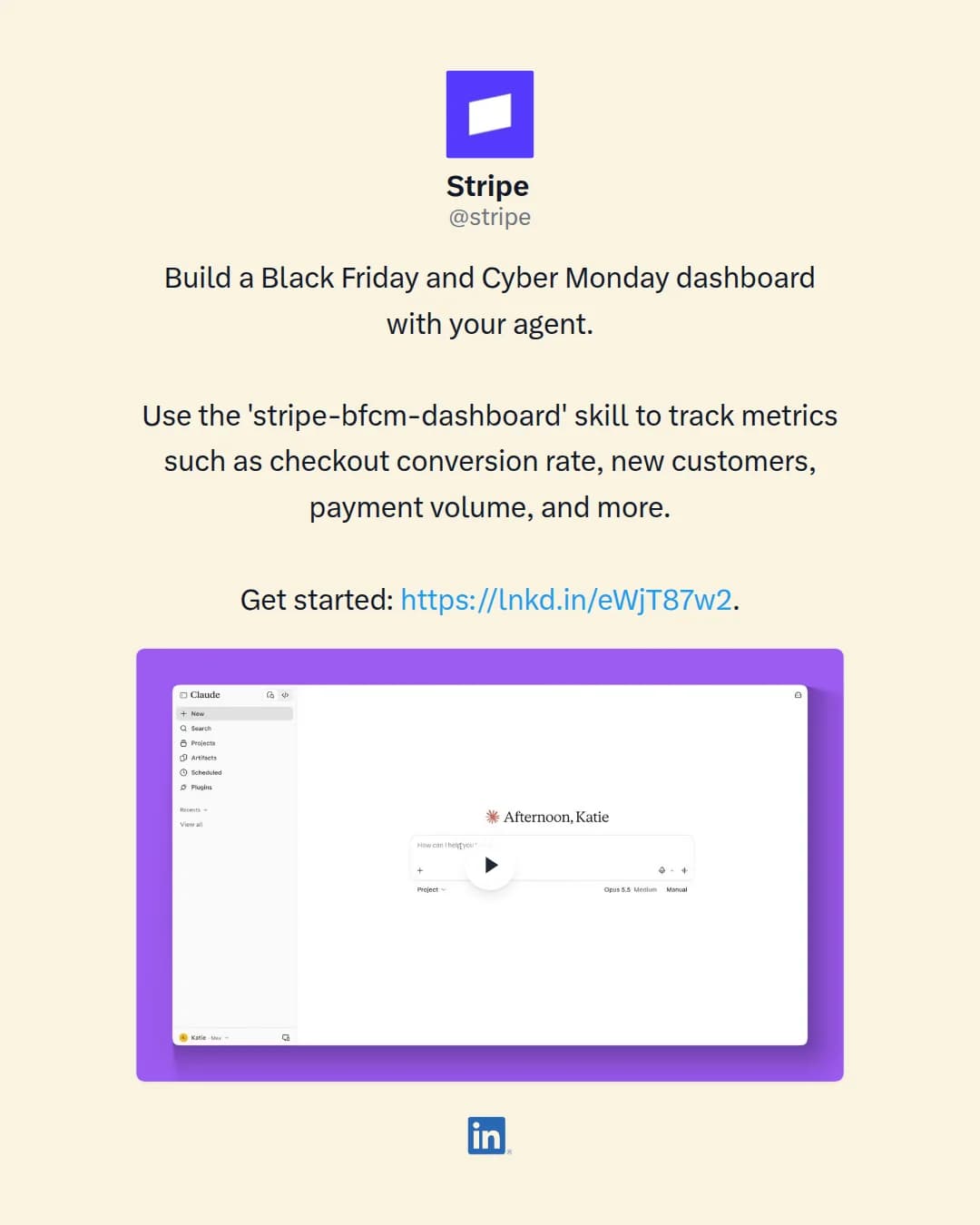
Real PostCapture export in the Seafoam template. The text, video cover, author and counts stay in the frame.
The post, without the feed around it
PostCapture reads the public post behind the link and draws it as an image you can restyle, so every LinkedIn post you share looks the same in a deck, a newsletter or another feed.
- The post's text, with its links and hashtags
- Photos, a video as its cover frame, and documents as their pages
- Author name, picture and follower count
- Reaction and comment counts, which you can hide
- Light or dark cards, backgrounds, and square, portrait or landscape sizes
Built for repeat use
- Founders & marketers
- Put a customer's or a teammate's LinkedIn post in a deck, a landing page or a newsletter as one clean image.
- Social teams
- Reshare a LinkedIn post on other networks in the same look as the rest of your posts.
- Journalists & researchers
- Keep a public post with its author, date and counts in the frame, drawn from the post itself.
Pro to scale.
Start with 3 free, watermarked screenshots, then 500 clean exports a month on Pro with the API and MCP connector for AI agents included — across X, TikTok, YouTube, Bluesky, LinkedIn, Instagram and Truth Social.
Free
$0
No card required.
- 3 screenshots to start (one-time)
- X, TikTok, YouTube, Bluesky, LinkedIn, Instagram and Truth Social
- Every template, layout and style
- Dark theme, image backgrounds, fonts and colors
- PostCapture watermark on exports
Pro
$8/month
$120 $96 billed yearly · save 20%
Works out to 1.6¢ per screenshot.
- No watermark on any export
- 500 screenshots every month
- MCP connector for Claude, ChatGPT and Claude CodeNew
- REST API keys for scripts and automations
- X, TikTok, YouTube, Bluesky, LinkedIn, Instagram and Truth Social
- 30 days of screenshot history
- Cancel anytime
Cancel anytime · secure checkout via Stripe.
Taxes are added at checkout.
500 screenshots each billing month on Pro, shared by the dashboard, the API and the MCP connector. Unused screenshots do not roll over.
How it works
Click it, ask for it, or script it
Riley Chen
x.com · 2h
We doubled newsletter signups with one post.
1.2K likes318 reposts
Exported · PNG
Three moves. Zero design work.
The studio handles the layout. You only make choices.
- 01
Paste a link
Any public post from X, TikTok, YouTube or Bluesky.
- 02
Pick a look
42 templates, custom backgrounds, light or dark.
- 03
Export
Download a sharp image sized for wherever you post.
One subscription, seven platforms



Questions, answered
How do I screenshot a LinkedIn post?
Open the post's ••• menu on LinkedIn, choose Copy link to post, and paste that link into the tool above. PostCapture draws the post as an image you can restyle and download. Both linkedin.com post links and lnkd.in short links work.
How is this different from a screenshot on my phone or laptop?
A device screenshot captures the feed around the post, at whatever size your screen was, and you crop it by hand. PostCapture draws only the post: the author, the text and the photo on a background you choose, at the same size every time.
Which LinkedIn posts work?
Public posts and articles by people and company pages, the ones anyone can open without signing in. The post's text and photos are drawn, a video is shown as its cover frame, a document or slide carousel as its first page or all of its pages, and an article as its title and summary. Link previews, polls, the original post inside a repost and event or certificate cards are not drawn; such a post is drawn as its own text. A post only connections or signed-in members can see comes back as unavailable and is not charged.
Does PostCapture use my LinkedIn account?
No. PostCapture reads the public post from its link and never signs in to LinkedIn, so it does not view the post from your profile or touch your account.
Can I edit the text or make up a LinkedIn post?
No. This is not a mockup generator. The author, text, photo, date and counts come from the public post at the link you paste. You choose how it looks (template, background, size, which counts show), not what it says.
What size is the image?
By default the image is sized to the post, 1080 px wide. You can switch to a square (1080×1080), portrait (1080×1920) or landscape (1920×1080) canvas, and export at a higher pixel density for print or slides.
Can I create LinkedIn screenshots through the API or an AI agent?
Yes, on Pro. The Screenshot API and the MCP connector take the same LinkedIn links as the editor, short links included, and LinkedIn has its own options (settings.linkedin) for the reaction, comment and follower counts, the date, media, article cards and document pages.
Is there a watermark?
Free exports include a small PostCapture watermark. Pro ($10/month, or $8/month billed $96 yearly) removes it and gives you 500 screenshots a month. Each LinkedIn post you load uses one screenshot.
Create your LinkedIn screenshot
Paste a public link and see the output in seconds. Your first 3 are free, no card required.