YouTube screenshot generator
Turn a YouTube link into an image
Paste any public YouTube link and get a styled, shareable screenshot — the video thumbnail with the title, channel, and supported details, ready for newsletters, decks, and social.
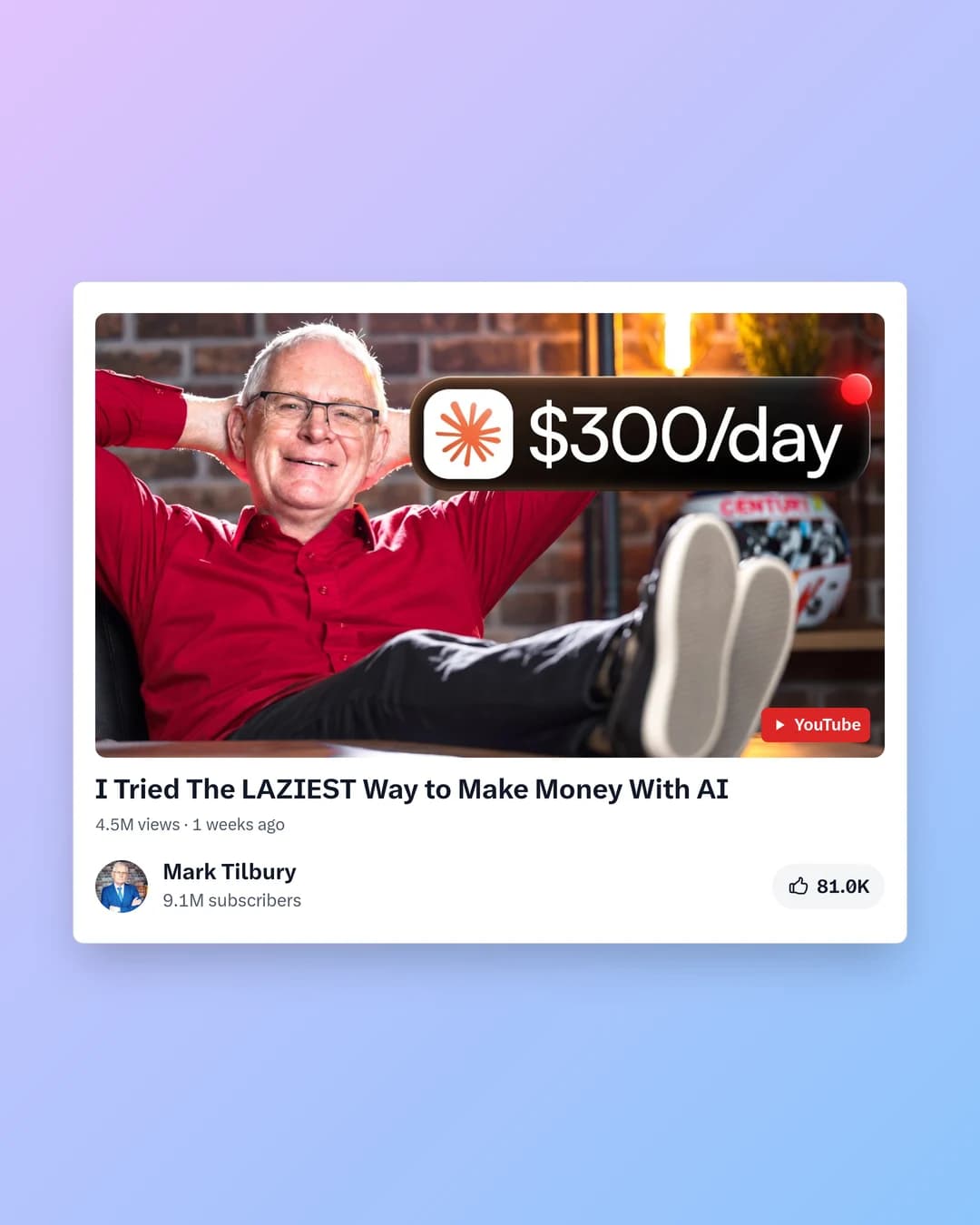
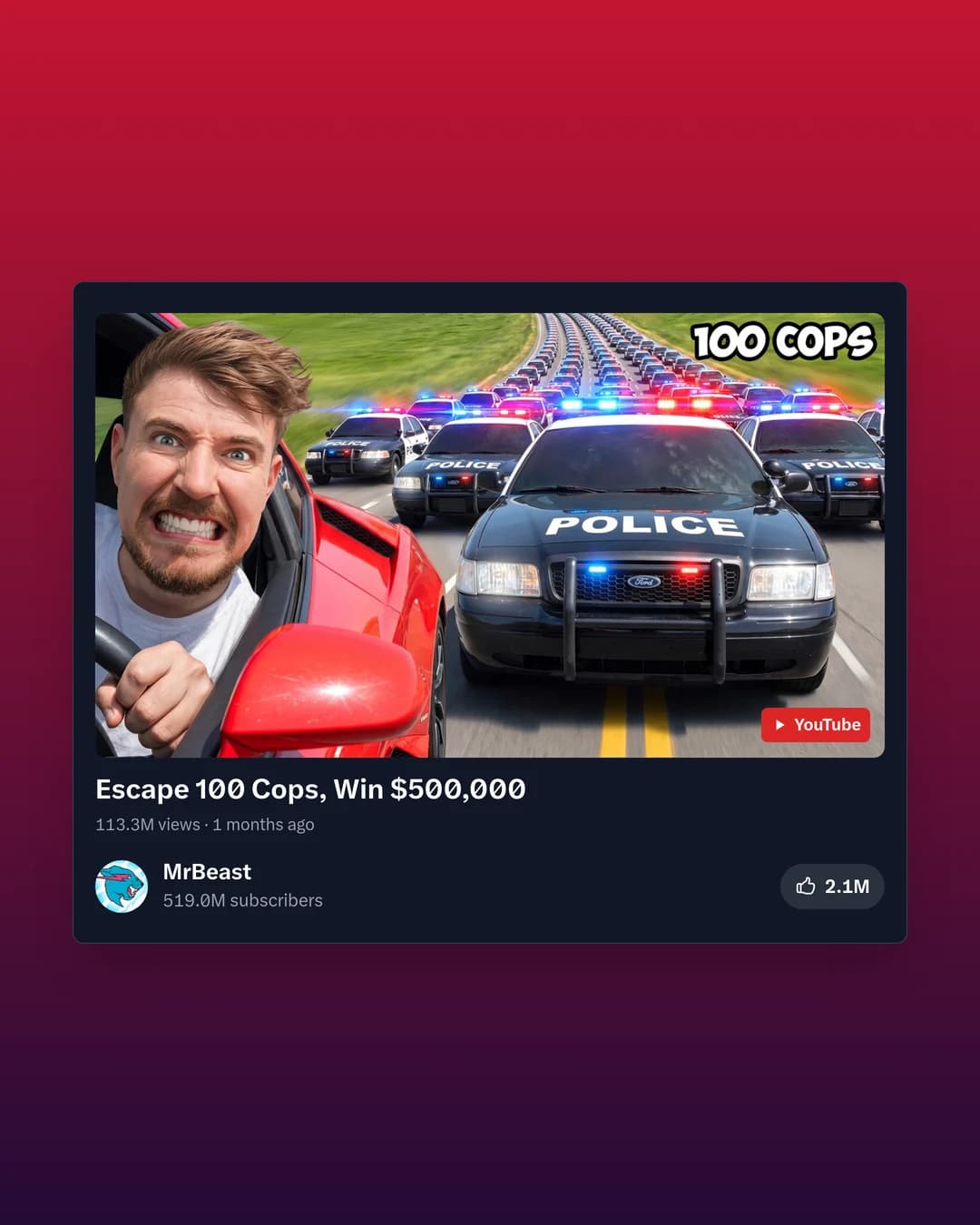
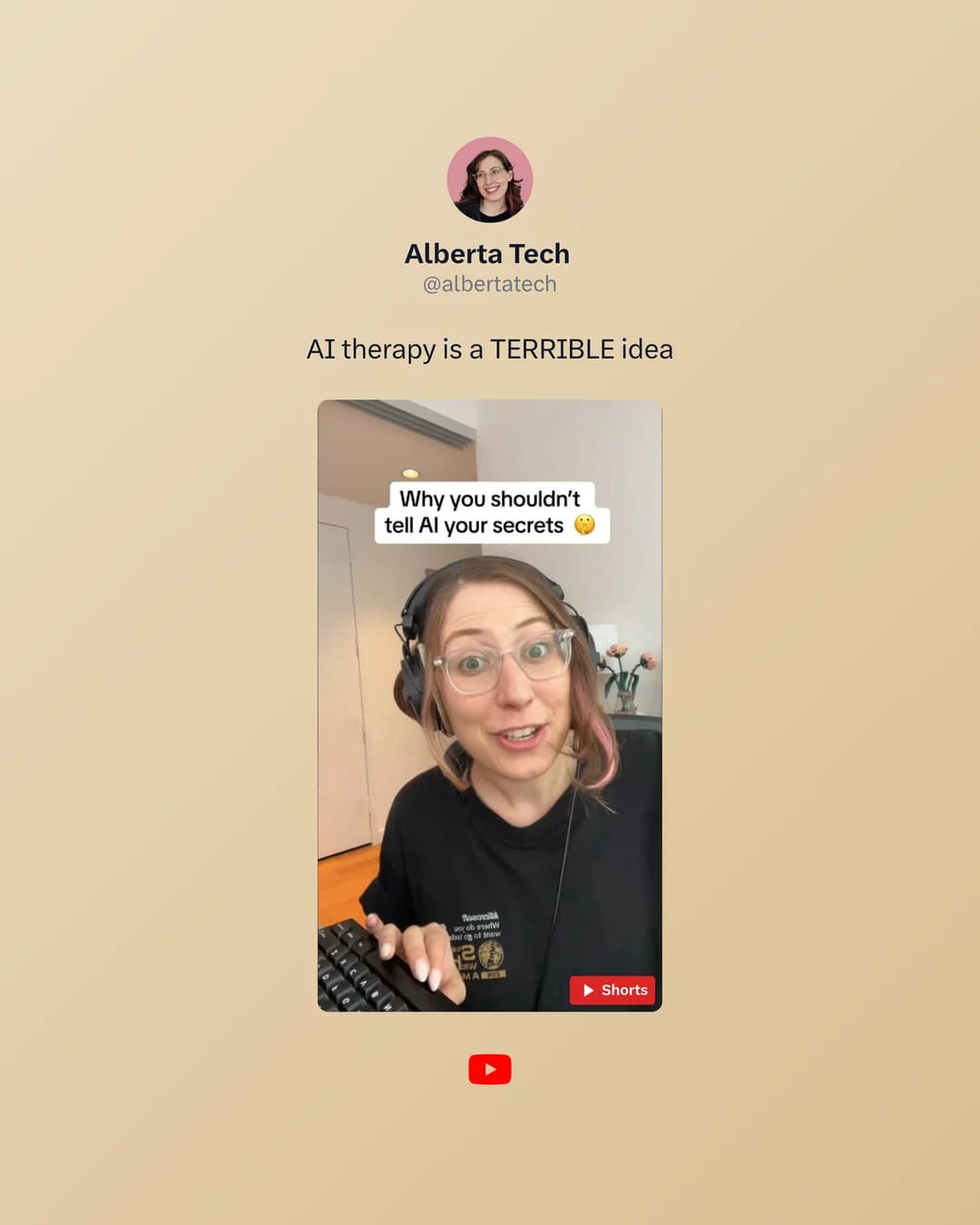
Real PostCapture export in the Lavender template. The thumbnail, title, channel and views stay in the frame.
Thumbnail plus the video details
PostCapture composes the screenshot from the official YouTube thumbnail and the video's details — not an arbitrary frame at a timestamp — so you know exactly what you'll get before you paste.
- The YouTube video thumbnail in a styled frame
- Video title and channel/author
- Supported video details and metadata
- High-resolution export sized for the feed
- Light or dark template with custom backgrounds
Built for repeat use
- Creators
- Promote a new video with a clean, on-brand image instead of a raw thumbnail grab.
- Newsletters & social
- Repurpose videos into images sized for email and every platform.
- Presentations & reports
- Drop tidy video references into decks, recaps, and client reports.
Pro to scale.
Start with 3 free, watermarked screenshots, then 500 clean exports a month on Pro with the API and MCP connector for AI agents included — across X, TikTok, YouTube, and Bluesky.
Free
$0
No card required.
- 3 screenshots to start (one-time)
- X, TikTok, YouTube, and Bluesky
- Every template, layout and style
- Dark theme, image backgrounds, fonts and colors
- PostCapture watermark on exports
Pro
$8/month
$120 $96 billed yearly · save 20%
Works out to 1.6¢ per screenshot.
- No watermark on any export
- 500 screenshots every month
- MCP connector for Claude, ChatGPT and Claude CodeNew
- REST API keys for scripts and automations
- X, TikTok, YouTube, and Bluesky
- 30 days of screenshot history
- Cancel anytime
Cancel anytime · secure checkout via Stripe.
Taxes are added at checkout.
500 screenshots each billing month on Pro, shared by the dashboard, the API and the MCP connector. Unused screenshots do not roll over.
How it works
Click it, ask for it, or script it
Riley Chen
x.com · 2h
We doubled newsletter signups with one post.
1.2K likes318 reposts
Exported · PNG
Three moves. Zero design work.
The studio handles the layout. You only make choices.
- 01
Paste a link
Any public post from X, TikTok, YouTube or Bluesky.
- 02
Pick a look
42 templates, custom backgrounds, light or dark.
- 03
Export
Download a sharp image sized for wherever you post.
One subscription, four platforms
Guides
Questions, answered
What does PostCapture capture from a YouTube video?
PostCapture uses the video's thumbnail inside a styled screenshot and adds metadata such as the title, channel/author, and supported video details. It does not grab an arbitrary frame at a specific timestamp.
Can I capture a frame at a specific timestamp?
No. PostCapture composes the image from the official YouTube thumbnail and video details rather than extracting a frame from a chosen moment in the video.
Does it work with any YouTube link?
It works with public YouTube videos. Paste a standard youtube.com or youtu.be link and PostCapture builds the styled screenshot from the video's thumbnail and details.
Can I use it to put a YouTube video in an email?
Yes. Gmail and Outlook don't run YouTube's embed code, so the reliable way to show a video in an email is an image of it, linked to the video. Make the image here, insert it in your email and link it to the video's URL.
Is there a watermark?
Free exports include a small PostCapture watermark. Pro ($10/month, or $8/month billed $96 yearly) removes it and gives you 500 screenshots a month.
How many YouTube screenshots can I make for free?
Every new account starts with 3 free screenshots, one time, across all platforms, with no card required. Pro includes 500 screenshots every month.
Create your YouTube screenshot
Paste a public link and see the output in seconds. Your first 3 are free, no card required.