Twitter screenshot generator
Screenshot any X or Twitter post
Paste a link to any public X or Twitter post and get back a polished, shareable image — single posts, replies, quotes, and full threads, with the author, handle, and stats intact.
Start with 3 free screenshots. No card required. Free exports include a PostCapture watermark.
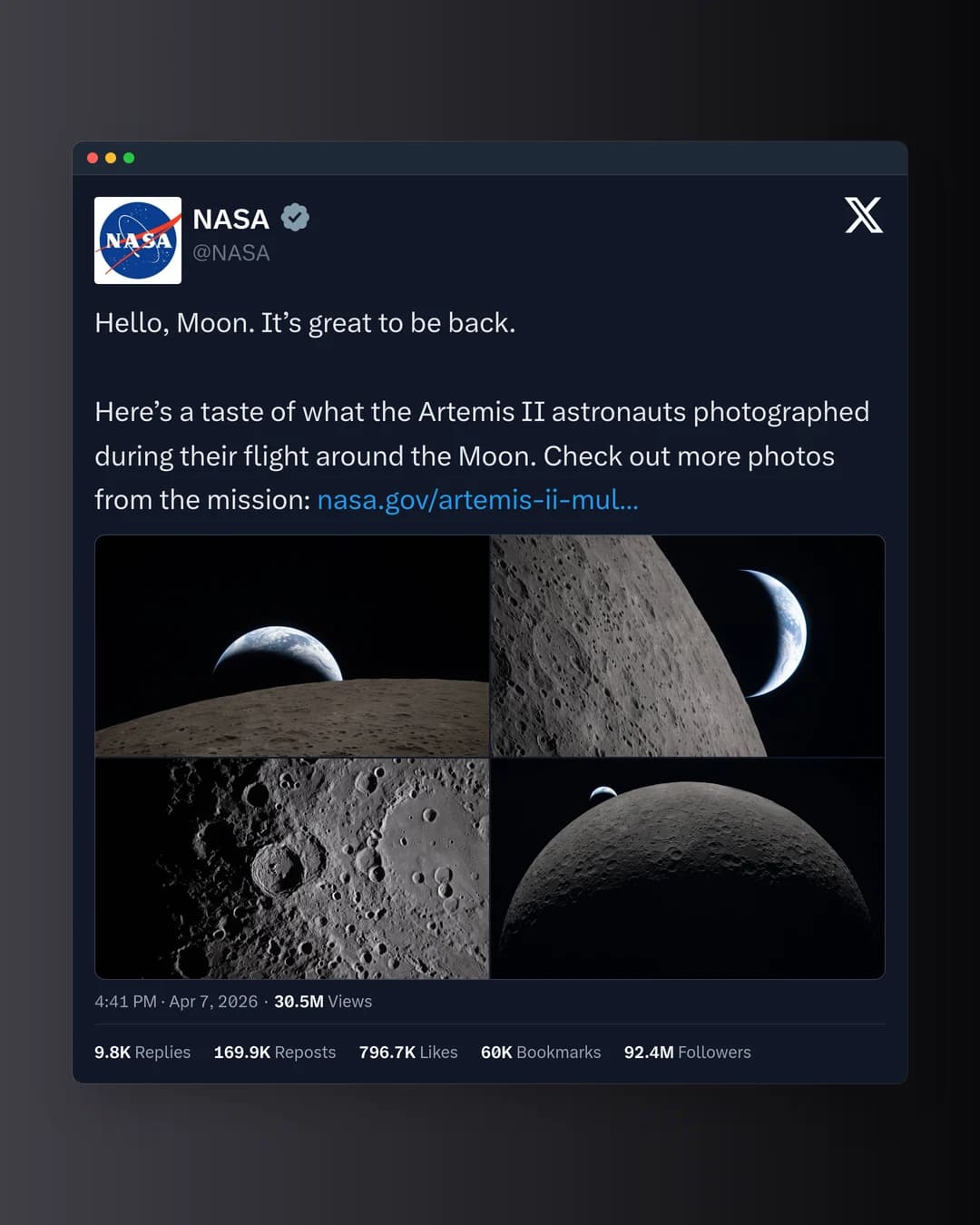
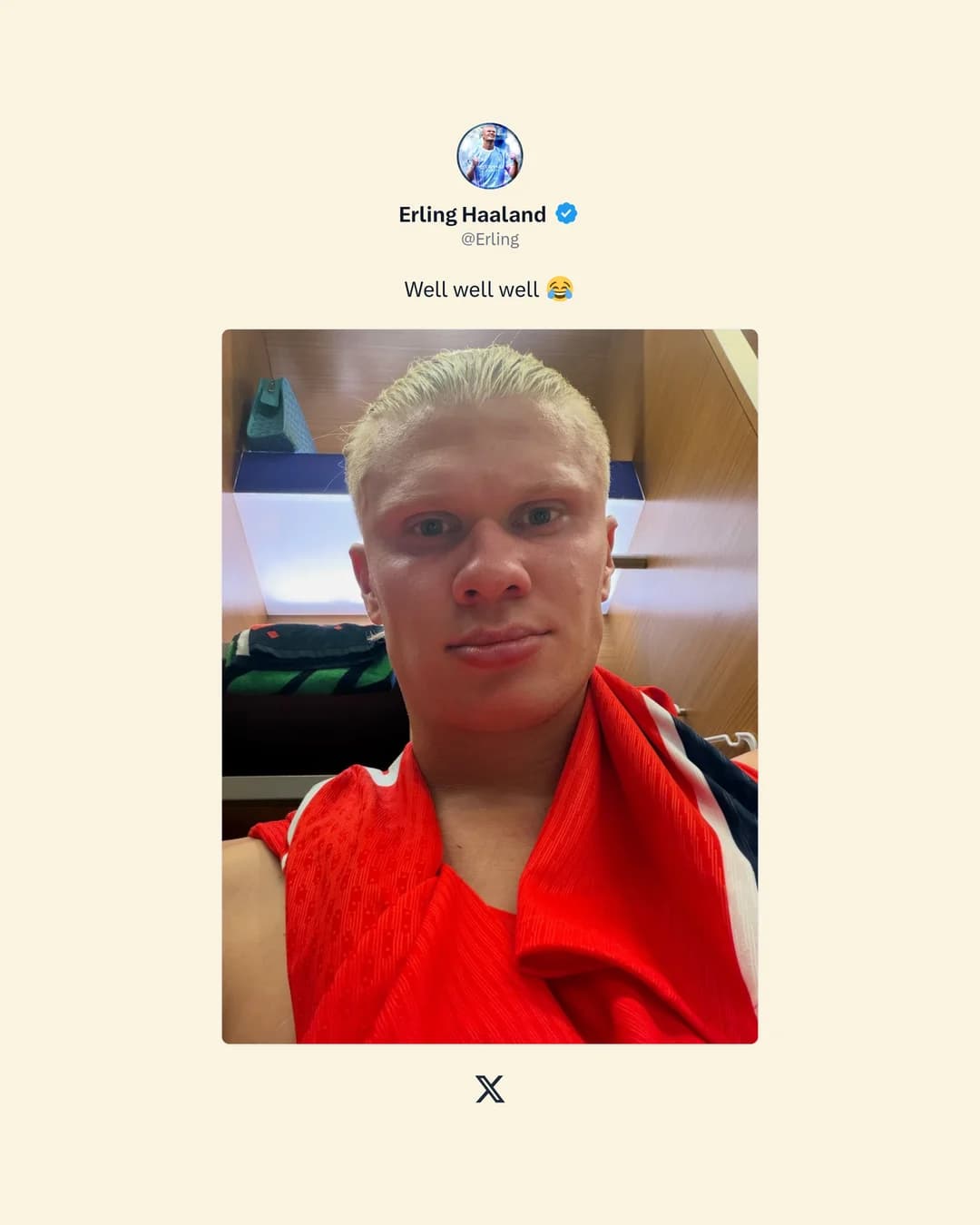
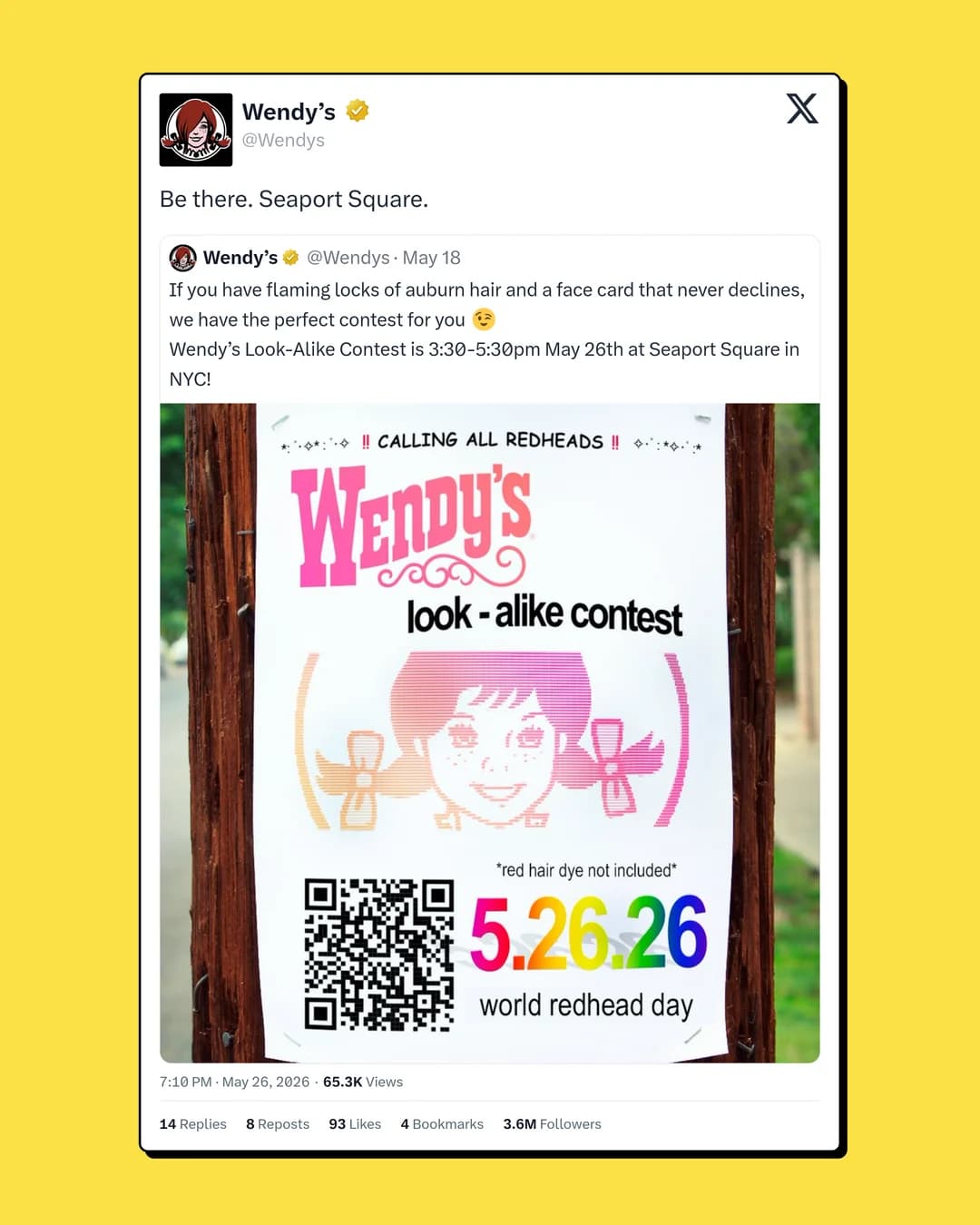
Real PostCapture export in the Terminal template. The text, photos, author, handle and stats stay in the frame.
Real posts, not fakes
PostCapture renders the actual public post from its URL. That means the credit stays visible and the screenshot reads as real — the opposite of a fake-tweet generator.
- Single posts, replies, and quote posts
- Full multi-post threads in one image
- Author name, handle, and post stats
- Custom backgrounds and light or dark themes
- High-quality exports sized for common channels
Built for repeat use
- Creators
- Reshare your best posts to other feeds without cropped, low-quality screenshots.
- Social teams & newsletters
- Drop clean post images into newsletters, decks, and scheduled content.
- Journalists & researchers
- Preserve public statements with the handle and stats kept in the frame.
Pro to scale.
Start with 3 free, watermarked screenshots, then 500 clean exports a month on Pro with the API and MCP connector for AI agents included — across X, TikTok, YouTube, and Bluesky.
Free
$0
No card required.
- 3 screenshots to start (one-time)
- X, TikTok, YouTube, and Bluesky
- Every template, layout and style
- Dark theme, image backgrounds, fonts and colors
- PostCapture watermark on exports
Pro
$8/month
$120 $96 billed yearly · save 20%
Works out to 1.6¢ per screenshot.
- No watermark on any export
- 500 screenshots every month
- MCP connector for Claude, ChatGPT and Claude CodeNew
- REST API keys for scripts and automations
- X, TikTok, YouTube, and Bluesky
- 30 days of screenshot history
- Cancel anytime
Cancel anytime · secure checkout via Stripe.
Taxes are added at checkout.
500 screenshots each billing month on Pro, shared by the dashboard, the API and the MCP connector. Unused screenshots do not roll over.
How it works
Click it, ask for it, or script it
Riley Chen
x.com · 2h
We doubled newsletter signups with one post.
1.2K likes318 reposts
Exported · PNG
Three moves. Zero design work.
The studio handles the layout. You only make choices.
- 01
Paste a link
Any public post from X, TikTok, YouTube or Bluesky.
- 02
Pick a look
42 templates, custom backgrounds, light or dark.
- 03
Export
Download a sharp image sized for wherever you post.
Questions, answered
Does it work with both x.com and twitter.com links?
Yes. Paste either an x.com or a twitter.com post URL — PostCapture renders the same public post either way.
Can it capture a full thread?
Yes. PostCapture can render single posts, replies, quote posts, media, and multi-post threads into one clean image.
Is this a fake tweet generator?
No. PostCapture renders real public posts from their URL — the author, handle, and stats come straight from the post, so it reads as genuine rather than fabricated.
Can I screenshot a deleted or private tweet?
No. PostCapture only works with public posts that are still live at the URL you paste. It cannot access protected accounts or deleted posts.
Is there a watermark?
Free exports include a small PostCapture watermark. Pro ($10/month, or $8/month billed $96 yearly) removes it and gives you 500 screenshots a month.
Create your X / Twitter screenshot
Paste a public link and see the output in seconds. Your first 3 are free, no card required.
Start with 3 free screenshots. No card required. Free exports include a PostCapture watermark.