How to Download Videos from X (Twitter) in 2026: The Ultimate Guide
Looking for an X video downloader that actually works? Learn how to save HD videos from X/Twitter for free.
The TL;DR: Need a Working Tool Right Now?
If you're just looking to save a video and don't care about the back-story, use our updated tool. It's built to be fast, free, and HD-compatible.
Open the X/Twitter Video Downloader →
The "X Blocked Video Downloads" Scare of 2026
If you spent any time on social media around April 1st this year, you probably saw the viral panic. Reports were everywhere: "X has restricted copying video links!" or "Third-party downloaders are officially dead!"
It turned out to be one of the most effective April Fools' pranks in recent memory. Major news outlets like NDTV and Moneycontrol confirmed that while the confusion was real, the "block" was not.
In reality, video links on X remain fully copyable and shareable, as confirmed by X's own official documentation. So, if you were worried your workflow was gone forever, breathe easy—it's still business as usual.
Why Most "Free" Twitter Downloaders Still Feel Broken
Even though X didn't actually block downloads this week, you’ve probably noticed that many older tools still fail. It’s usually not a conspiracy—it’s just bad tech.
Most "free" downloaders you find in search results suffer from:
- Ancient Code: They were built for the "Twitter" of 2018 and haven't been updated since the rebrand to X.
- Ad Overload: They care more about showing you "Download Now" ads than actually delivering your file.
- Broken Backends: X does update its internal media delivery frequently (even when it's not a prank), and tools that aren't actively maintained simply break.
At PostCapture, we maintain our downloader as a core part of our suite for creators, journalists, and researchers who need social media content for their professional work.
How to Download X/Twitter Videos in 3 Simple Steps
You don't need to be a developer to save an HD clip. Our tool handles the technical "handshakes" in the background so you can just get your file.
Copy the Post URL
Find the post with the video. On mobile, tap the 'Share' icon and select 'Copy Link'. On desktop, just copy the URL from your browser's address bar.
Paste into PostCapture
Head to our [X video downloader](/x-twitter-video-downloader) and paste the link into the box. Our engine will instantly scan the post for available video files.
Choose HD and Save
We'll show you every available quality level (from 270p up to 1080p HD). Click the download button next to your preferred resolution to save the MP4.
Why High-Quality Downloads Matter
For many of our users, downloading a video isn't just about saving a meme for a group chat. It's about work:
- Journalists: Archiving public posts as evidence or for use in news packages.
- Content Creators: Downloading clips for fair-use commentary, reaction videos, or video essays.
- Educators: Saving examples of social media trends for classroom presentations.
- Marketers: Archiving video testimonials or social proof to use in internal reports.
Professional Tools for Social Media
PostCapture is designed for people who work with social content every day. Whether you need a pixel-perfect screenshot or a high-quality video save, we've built the most reliable path for you.
Go to the DownloaderFAQ: X Video Downloads in 2026
Is it legal to download videos from X?
Downloading public content for personal use, archiving, or fair-use commentary is a common practice. However, you should always respect copyright laws—don't re-upload someone else's content as your own without permission.
Why is the quality lower than what I see on X?
X uses "adaptive bitrate streaming," which means it shows you the best quality your internet connection can handle. Our tool tries to fetch the original source file at the highest possible resolution (up to 1080p). If a video looks blurry, it might be because the original upload was low-resolution.
Does this work for GIFs?
Yes! X converts GIFs into small video files (MP4s). Our downloader will recognize these and let you save them just like a regular video.
Can I download from private accounts?
No. To protect user privacy, our tool can only access content that is publicly visible on X. If you can't see the post without following the person, a downloader won't be able to "see" it either.
What other social tools do you offer?
PostCapture is a full suite! Check out our other popular tools:
- Professional Twitter Screenshots – Clean, beautiful images of posts.
- Bluesky Screenshot Generator – For the new era of decentralized social media.
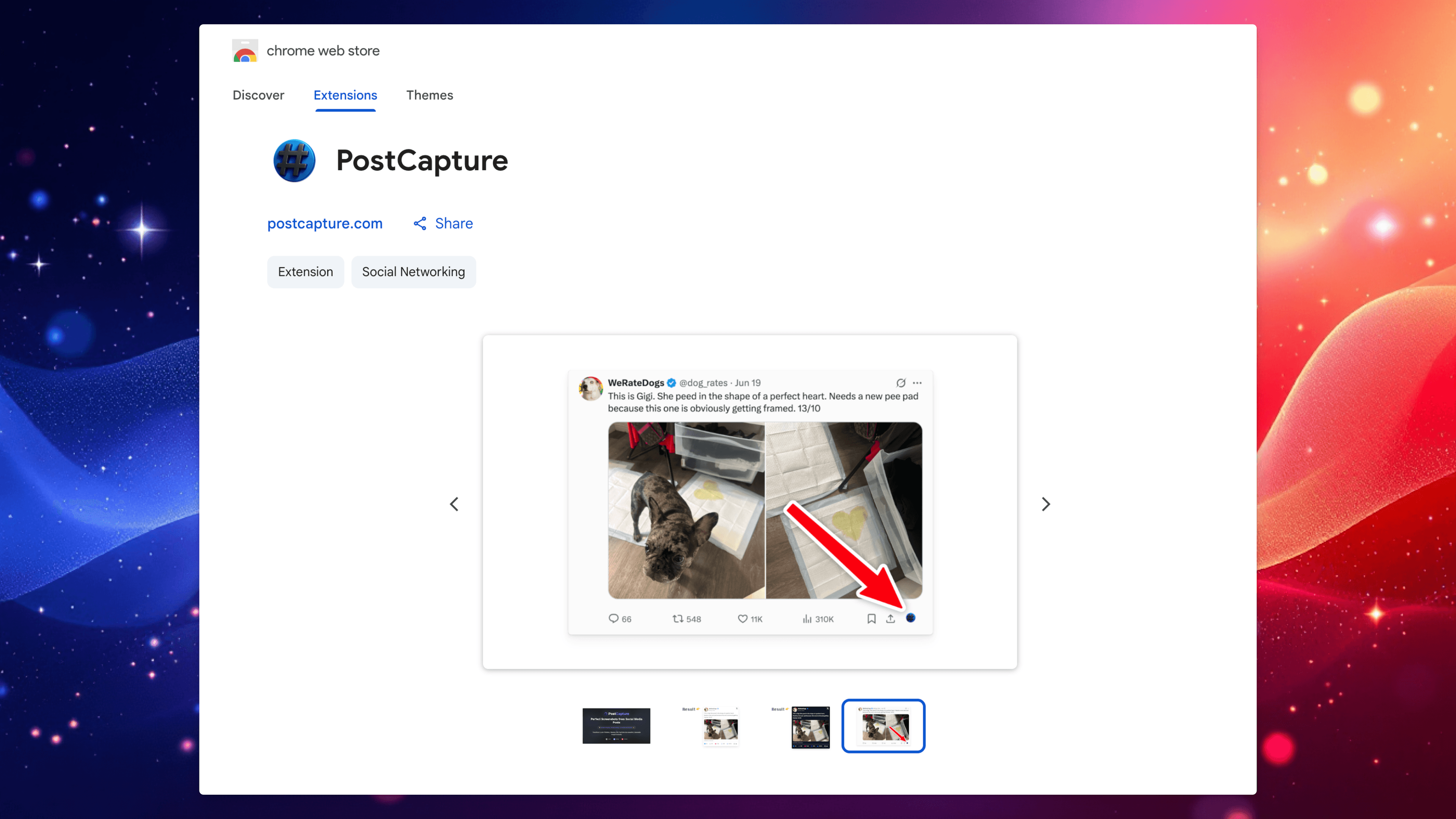
- Chrome Extension – Screenshot or download with one click.
The Bottom Line
Don't let the April Fools' pranks or the broken, ad-ridden sites frustrate you. Downloading content from X should be a 10-second task, not a 10-minute struggle.
At PostCapture, we keep our tools updated so that no matter what X changes tomorrow, you can still get your work done today.
Found this helpful?
Share it with your network.